
Seestar S50 Deep-Dive: Master City Astrophotography in 2026
The ZWO Seestar S50 democratizes astrometry and deep-sky imaging. For under $500, it makes sophisticated stacking pipelines accessible. However, its primary capability is its computational approach to light pollution mitigation. This guide covers how to optimize the S50's integration times for urban environments.
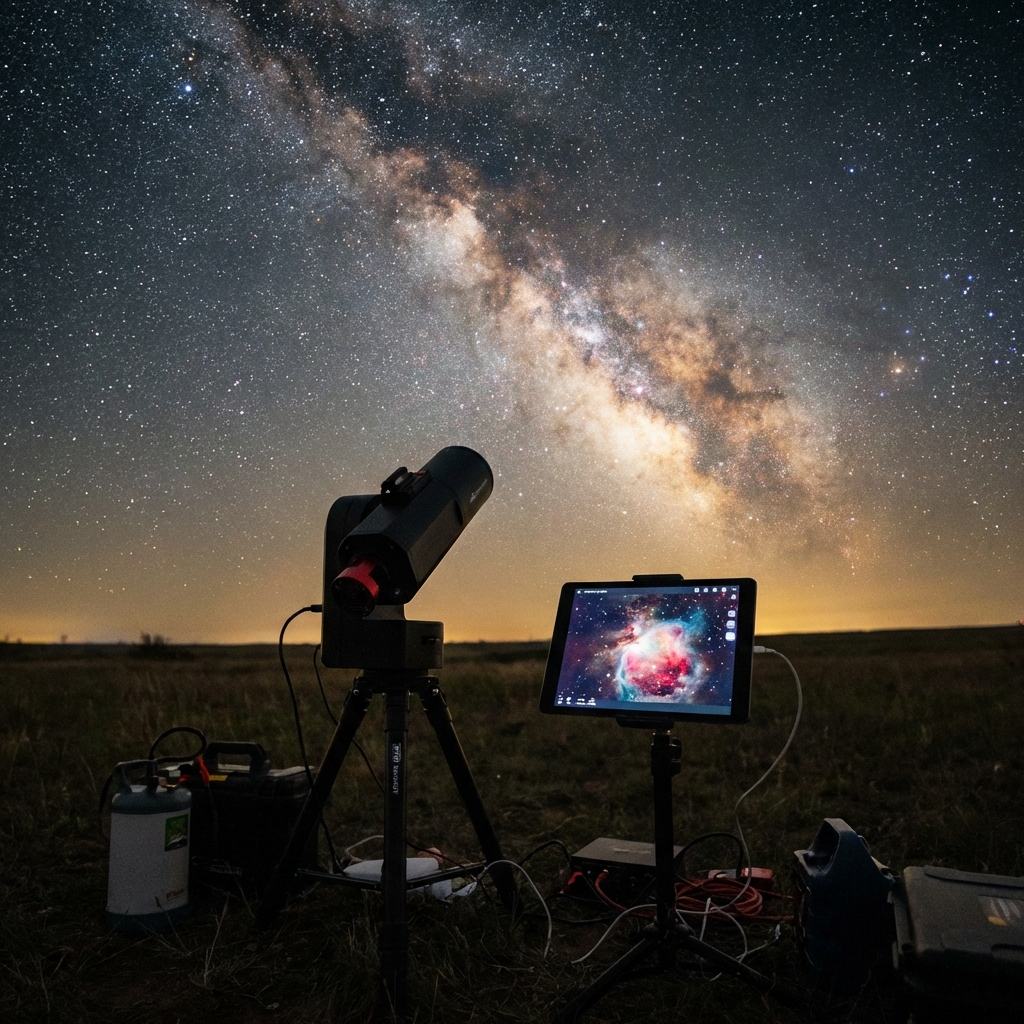
DH Research Lab
Data & Editorial Board
Expert Tested Gear & Affiliate Disclosure
This guide contains affiliate links. As an Amazon Associate, we earn from qualifying purchases.
01Computational Astrophotography & Stacking
The Seestar's performance relies on real-time lucky imaging. By accumulating hundreds of short 10-second exposures and 'stacking' them, the software mathematically increases the Signal-to-Noise Ratio (SNR) while rejecting transient noise sources.
Pro Tip: In a Bortle 8 or 9 sky, the built-in Light Pollution filter isn't optional—it's essential. Make sure it's toggles 'ON' in the 'Advanced Settings' before you start your session.
Dual-Band Filter
Isolates H-Alpha and O-III wavelengths, ignoring 90% of street lighting.
Smart Stacking
Rejects frames affected by passing cars or high moisture.
EAA Mode
See the color and detail live as the robot builds the image.
02The 'Balcony' Workflow: 5 Steps to Success
Shooting from a city balcony presents unique challenges: limited horizon and huge thermal currents.
- Leveling is Non-Negotiable: Even if the app says you're 'close,' get it perfect. Use the on-screen leveling bubble until it turns green.
- Thermal Equilibrium: Set the Seestar outside 15 minutes before you start. The small triplet lens needs to cool to ambient temperature for sharp stars.
- The Target Angle: Avoid targets below 30 degrees altitude. City haze and 'heat plumes' from neighboring buildings will ruin your contrast.
- Gain Management: In the city, don't use 'Enhanced' gain unless it's a very dim target; it can blow out the light pollution and lose star color.
- Dithering: The Seestar automatically 'dithers' (shifts pointing between frames). This is critical for eliminating correlated pattern noise (walking noise) during stacking.
03Best City Targets for the Seestar S50
Not all targets are built for city imaging. Stick to these for the best results:
- The Orion Nebula (M42): Bright enough to look great even with 10 minutes of data.
- The Rosetta Nebula: Needs at least 60 minutes, but the dual-band filter brings out incredible reds.
- The Moon & Sun: High-resolution planetary mode makes these easy wins.
- The Pleaides (M45): Watch out for the 'blue' reflection nebula; it's harder in the city than emissive (red) nebulae.
04Beyond the App: Getting Pro Results
The Seestar saves 'Stacked JPGs' to your phone, but it also saves 'Raw FITS' files to its internal memory.
The Secret Sauce: Download the raw .FITS files to your computer and use a free tool like Siril or ASIStudio. Stacking the raw data manually allows you to remove gradients (the uneven glow from city lights) far better than the internal mobile app can.
Internal Storage
Frequently Asked Questions
Q:Is the ZWO Seestar S50 good for planetary imaging?
The Seestar S50 is excellent for the Moon and the Sun (with the included solar filter). It can capture Jupiter and its four Galilean moons, as well as Saturn's rings, but due to its 50mm aperture and wide field of view, planets will appear small in the frame compared to a dedicated planetary telescope.
Q:Does the Seestar S50 work without Wi-Fi or cellular service?
Yes. While it uses a Wi-Fi connection to communicate with your phone or tablet, it creates its own local network. You don't need external Wi-Fi or cellular data to operate the telescope in the field. However, you should download the latest firmware and offline star maps while you have internet access before heading out.
Q:Can I use external filters with the Seestar S50?
The Seestar S50 has a built-in light pollution (dual-band) filter that can be toggled via the app. For other filters, such as OIII or specialized narrowband, you can use third-party 2-inch filter adapters that snap onto the front of the lens assembly.
Q:How long does the Seestar S50 battery last?
The internal battery typically lasts for about 6 hours of continuous imaging. It can be charged while in use via a standard USB-C cable and a portable power bank, allowing for all-night sessions.
Q:Is the Seestar S50 waterproof?
No, the Seestar S50 is not waterproof. While it can handle light dew thanks to its internal heat, you should never use it in rain or heavy mist. Always use a dew shield in high-humidity conditions to protect the objective lens.
Don't waste a clear-night chance
Get the field checklist, then use DarkestHour to decide if tonight's sky is actually worth your time, setup or travel.
Learn first. Decide with the map.
DarkestHour guides are free trust builders. Use them to understand conditions, then use Pro for saved spots, alerts and best-night decisions.
Find Your Darkest Sky
Use our real-time satellite maps to find locations with zero light pollution.
Launch Interactive MapYour Learning Roadmap
You've mastered the astrophotography basics. The next logical step in your technical progression is mastering astrophotography workflows.
MANDATORY FIELD EQUIPMENT
Celestron NexStar 8SE
The gold standard for deep-sky observation. 203mm aperture for maximum light gathering.
ZWO Seestar S50
Fully robotic imaging system. Perfect for urban environments and rapid deployment.
Peak Design Travel Tripod
Zero-latency stability for long exposure astrophotography. Carbon fiber construction.
Continue Your Research
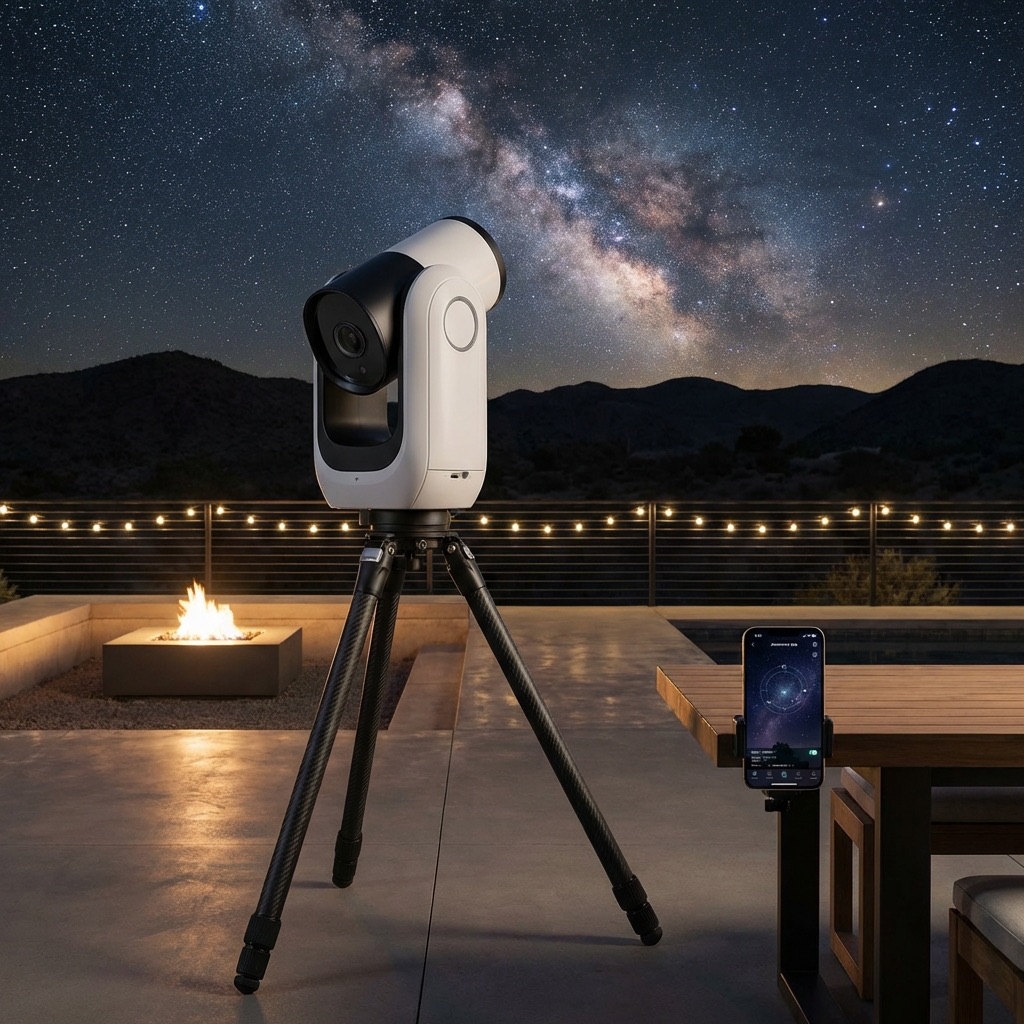
The Smart Telescope Revolution: Seestar, Origin, & Dwarf 3
Robots are taking over astrophotography. Compare the best smart telescopes of 2026: Seestar S50 vs Celestron Origin vs Dwarf 3.
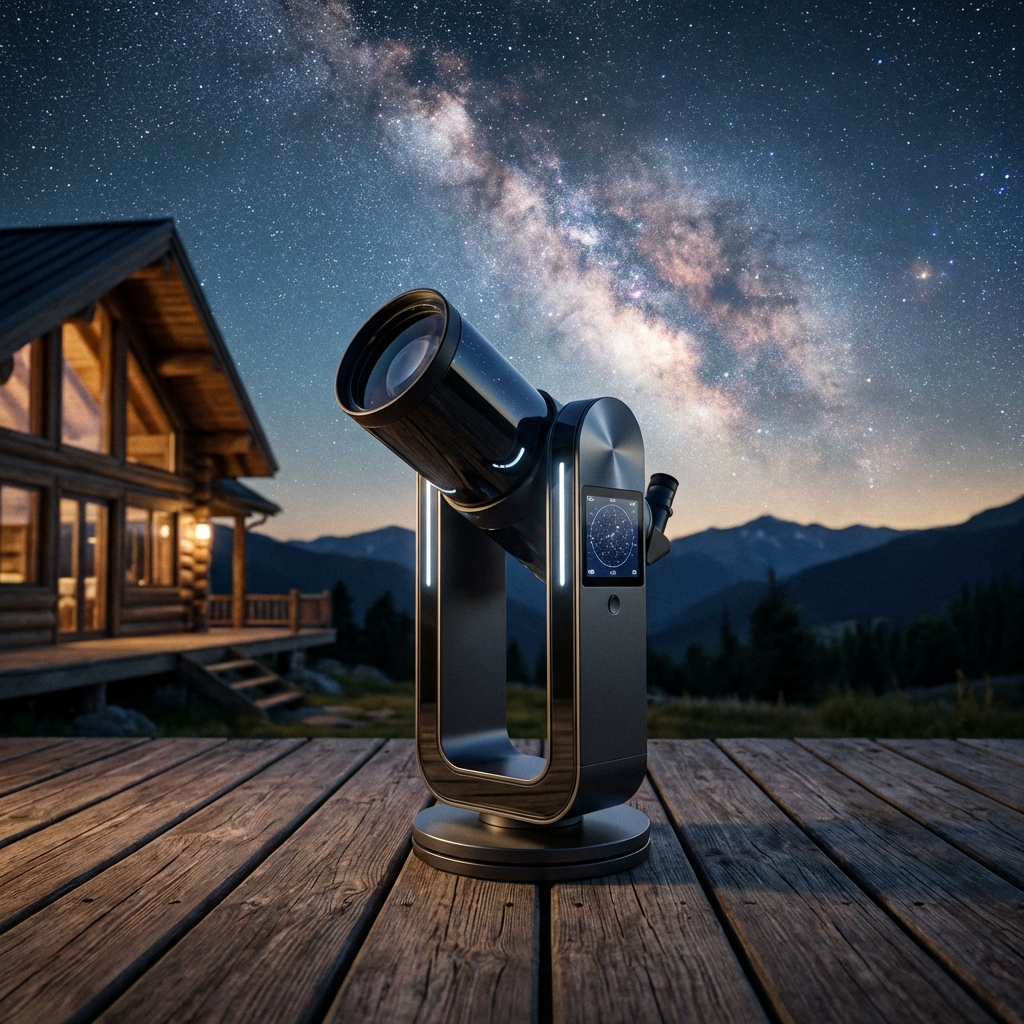
Dwarf III Review: The Ultimate Pocket-Sized Smart Telescope
Tiny but powerful. Discover why the Dwarf III is the best travel telescope for wide-field astrophotography and wildlife spotting.
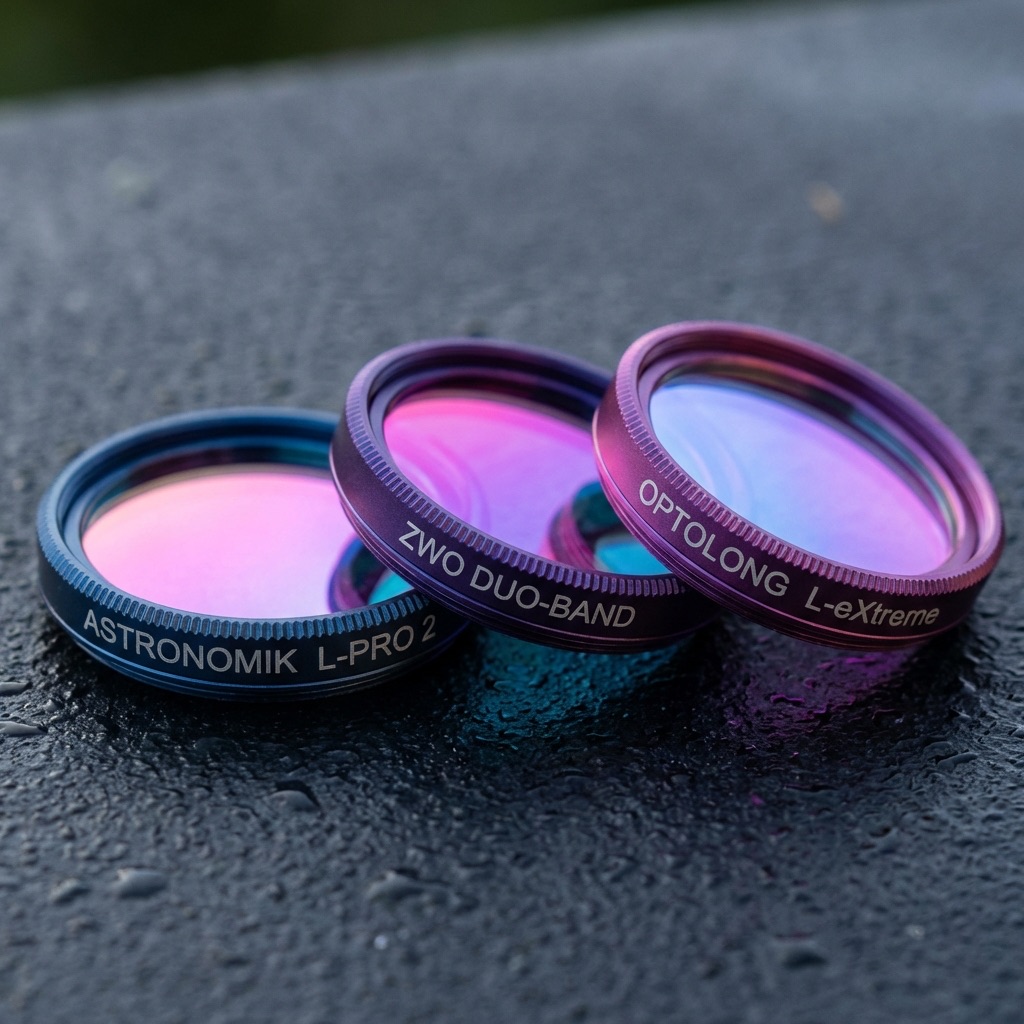
Best Astronomy Filters (2026): City Light Solutions
The dark sky cheat code. We review the best light pollution filters (Optolong L-Extreme, Antlia, SvBony) for city astrophotography.
End of Dossier • Research Complete