Astrophotography for Beginners: Start with Your Phone
Modern smartphones are now powerful enough to capture stunning photos of the night sky without a complex camera rig. This guide establishes the exact settings and simple accessories you need to start your astrophotography journey using the phone in your pocket.
DH Research Lab
Data & Editorial Board
Expert Tested Gear & Affiliate Disclosure
This guide contains affiliate links. As an Amazon Associate, we earn from qualifying purchases.
01What Your Phone Can Actually Do
In 2026, the gap between 'smartphone' and 'camera' is narrower than ever. Modern computational photography handles the heavy lifting that used to require a laptop and hours of stacking.
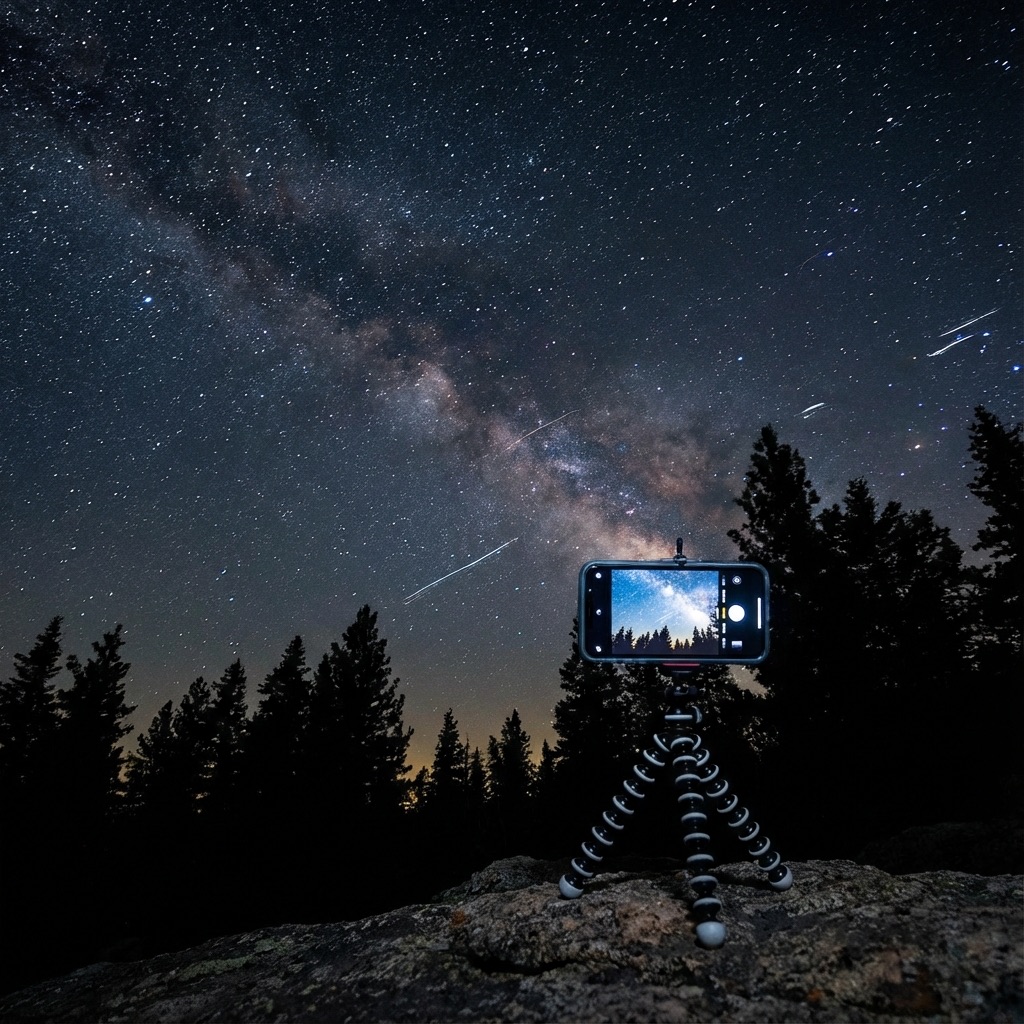
The Milky Way Core — If you have a flagship phone (iPhone 15 Pro+, Pixel 8+, S23 Ultra+), your 'Night Mode' can resolve the dust lanes of the Milky Way from a Bortle 4 site or darker. No tracker required.
Star Trails — By taking hundreds of 30-second frames and 'blending' them, you can create high-resolution star trails that show the rotation of the Earth.
Moon & Planes — With a telephoto adapter, you can resolve lunar craters and even see the rings of Saturn as a tiny, oblong shape.
The most important 'gear' you have is already in your pocket. The rest of this guide shows you how to augment it.
Use a Remote Shutter
02Essential Mobile Hardware
To move beyond 'blurry snapshots,' you need to stabilize your phone and occasionally adapt it to larger optics.
Stability: A tripod is mandatory. I recommend the Joby GorillaPod for its versatility in the field—you can wrap it around a fence post or a tree branch.
Eyepiece Adapters: A universal smartphone adapter lets you clamp your phone to the eyepiece of any telescope or pair of binoculars. This is called 'Afocal' photography, and it's the easiest way to get high-magnification Moon shots.
Celestron NexYZ 3-Axis Adapter
“The most precise smartphone-to-telescope adapter.”
RATIONALE
Unlike cheap spring-loaded clamps, the NexYZ has fine-tuning knobs for the X, Y, and Z axes. This allows you to perfectly center your phone's camera over the eyepiece in seconds.
03App Recommendations & Settings
The 'Auto' mode on your phone is designed for daytime. For the stars, you need manual control.
Manual Settings to Master:
- ISO: Start at 1600 or 3200 for the Milky Way.
- Shutter Speed: Use 15-30 seconds if your phone is on a tripod.
- Focus: Set to 'Infinity.' Autofocus will always hunting in the dark.
Top Apps:
- ProCam 8 (iOS): Unlocks RAW file support and full manual shutter control.
- NightCap Camera: Features 'Star Trails' and 'ISS' modes that automate the long-exposure blending process.
- DeepSkyStacker (Desktop): If you take multiple RAW frames, you can still use professional stacking tools to clean up the noise.
RAW Format
Always enable RAW/ProRAW. It preserves the 12-bit data needed for editing.
Timer Delay
Set a 3-second timer delay to ensure all vibrations have died down before the shot starts.
Screen Brightness
Turn your screen brightness all the way down to preserve your night vision.
Frequently Asked Questions
Q:Can I really take a photo of the Milky Way with my phone?
Yes. On modern flagship phones in a dark sky location (Bortle 4 or darker), 'Night Mode' can capture the galactic core. For best results, use a tripod and a 30-second exposure.
Q:What is the best tripod for phone astrophotography?
The Joby GorillaPod is a favorite for its versatility, but any stable tripod with a spring-loaded phone clamp will work. Stability is more important than height.
Q:How do I take a photo of the Moon through a telescope?
Use an 'eyepiece adapter' like the Celestron NexYZ. It clamps your phone over the telescope's eyepiece. Turn down your exposure dramatically since the Moon is much brighter than the stars.
Q:Why do my phone photos of stars look like blurry blobs?
This is usually caused by camera shake or autofocus failure. Always use a tripod, use a 3-second timer delay, and manually set your focus to 'Infinity' in a pro-camera app.
Q:Should I use an 'Astro' dedicated app?
Yes. Apps like NightCap or ProCam allow you to control 'ISO' and 'Shutter Speed' manually, which is essential for capturing faint starlight that the 'Auto' mode might miss.
Don't waste a clear-night chance
Get the field checklist, then use DarkestHour to decide if tonight's sky is actually worth your time, setup or travel.
Learn first. Decide with the map.
DarkestHour guides are free trust builders. Use them to understand conditions, then use Pro for saved spots, alerts and best-night decisions.
Find Your Darkest Sky
Use our real-time satellite maps to find locations with zero light pollution.
Launch Interactive MapYour Learning Roadmap
You've mastered the beginner basics. The next logical step in your technical progression is mastering intermediate acquisition.
MANDATORY FIELD EQUIPMENT
Celestron NexStar 8SE
The gold standard for deep-sky observation. 203mm aperture for maximum light gathering.
ZWO Seestar S50
Fully robotic imaging system. Perfect for urban environments and rapid deployment.
Peak Design Travel Tripod
Zero-latency stability for long exposure astrophotography. Carbon fiber construction.
Continue Your Research
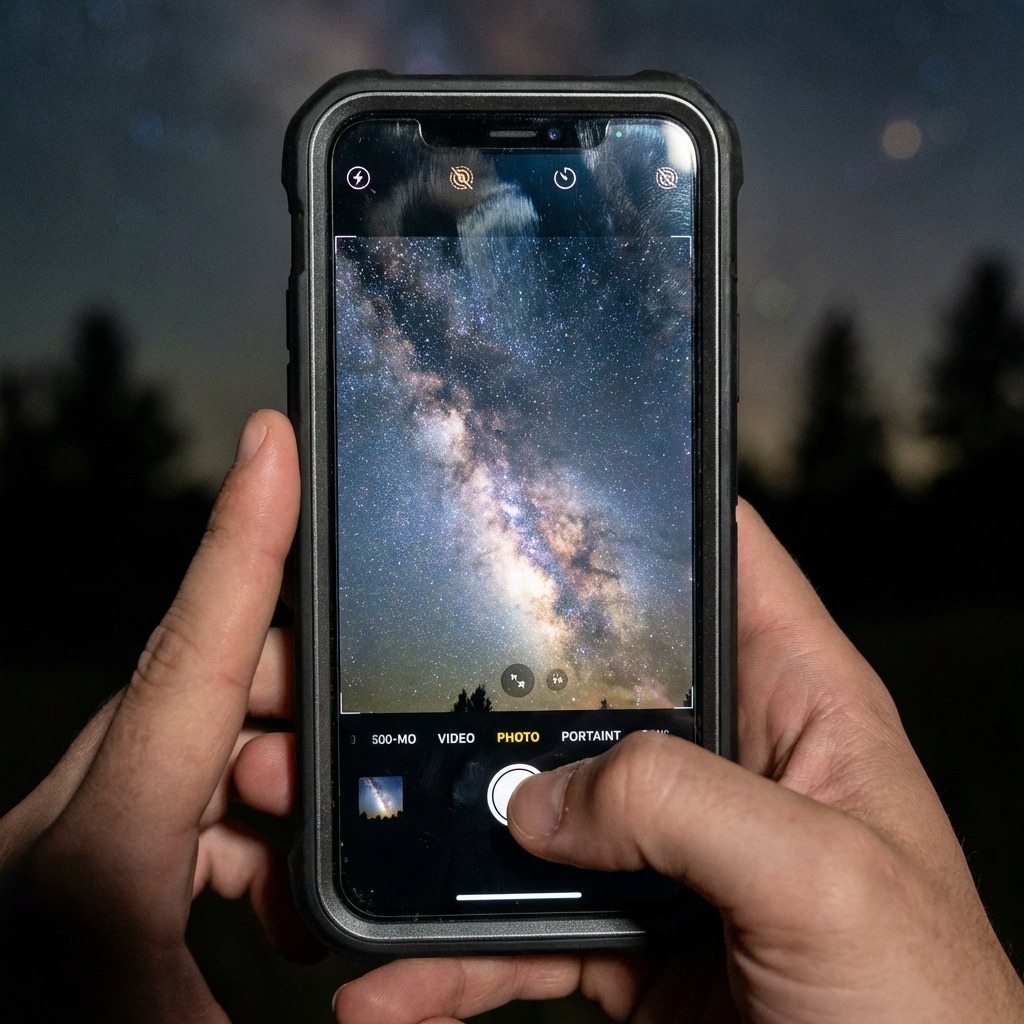
Mobile Astrophotography: Capture the Night Sky
Your smartphone is more powerful than professional cameras from 15 years ago. Learn to shoot the Moon, Milky Way, and auroras with just your phone.
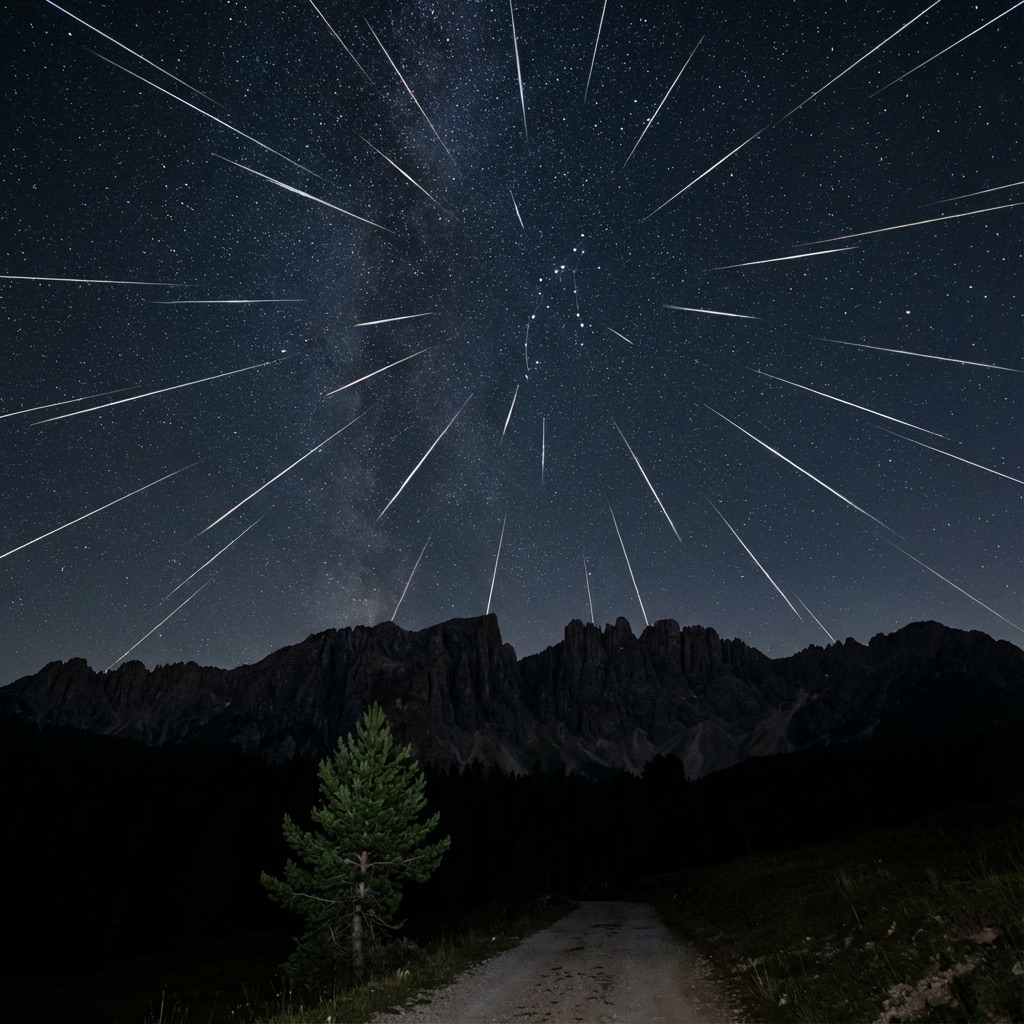
Meteor Shower Calendar 2026: Don't Miss These Events
Your complete guide to every major meteor shower in 2026. Find peak dates, hourly rates (ZHR), and expert photography tips for each event.
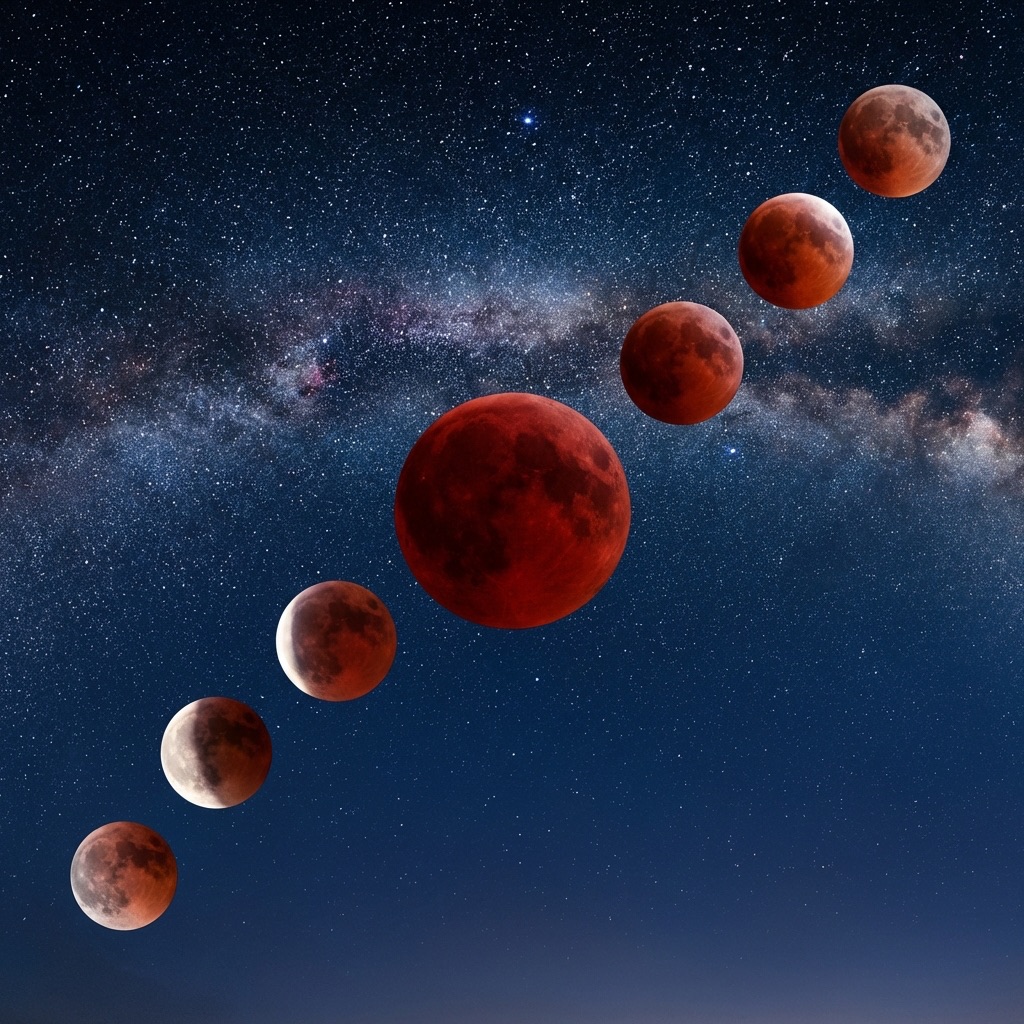
Total Lunar Eclipse March 2026: Blood Moon Guide
The last Blood Moon until 2028! Complete guide to the March 2026 total lunar eclipse with viewing times, photography settings, and essential gear picks.
End of Dossier • Research Complete